 JuaraKu
Step 2 of 4
50%
Aiming arrows
Start by creating an arrow that moves around the screen.
Open the Scratch starter project rpf.io/archeryon.
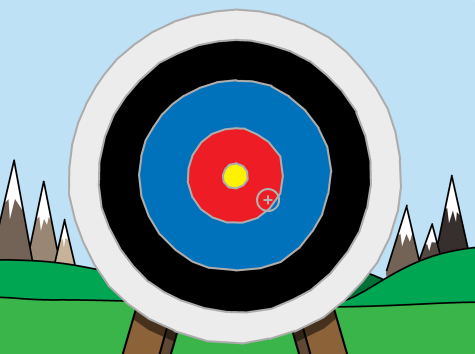
In the starter project, you should see a target backdrop and a cross hair sprite.
When your game starts, broadcast a message to create a new arrow.
when green flag clicked
broadcast (new arrow v)
Once this message has been received, set the arrow's position and size.
when I receive [new arrow v]
go to x: (-150) y: (-150)
set size to (400) %
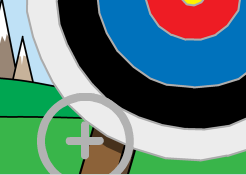
Click the green flag to test your game. You should see your arrow move to the bottom-left of the stage and get bigger.
Add code to your arrow so that it glides randomly around the stage forever.
when I receive [new arrow v]
go to x: (-150) y: (-150)
set size to (400) %
+forever
glide (0.5) secs to x: (pick random (-150) to (150)) y: (pick random (-150) to (150))
end
Test your game again, and you should see your arrow move randomly around the stage.