JuaraKu
Step 3 of 6
50%
Plan your book 📔
Use this step to plan your book. You can plan by just thinking, adding backdrops and sprites in Scratch, or drawing or writing — or however you like!
Now, it's time to start to think about the pages (backdrops) and the characters and objects (sprites) in your book.
Open the I made you a book starter project. Scratch will open in another browser tab.
⏱️ Not much time? You can start from one of the examples.
Use your new Scratch project to plan your book. You don't have to plan all the pages you can add more later.
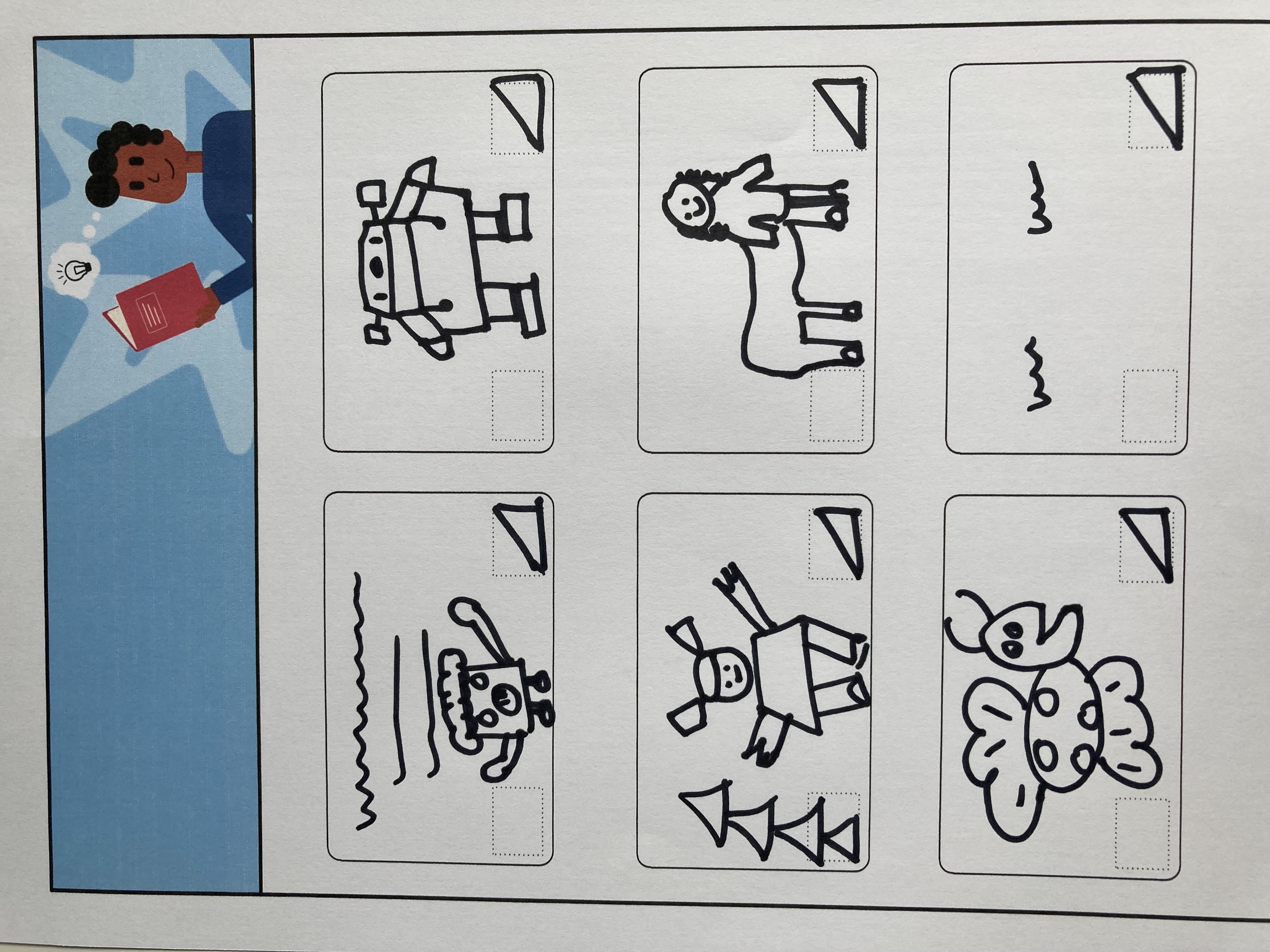
You can also use ✏️ a pencil and this planning sheet or a piece of paper to sketch your ideas.
Think about the backdrops and sprites:
- 🖼️ Which backdrops or background colours will you use in your book?
- 🗒️ How will users interact with your book to turn to the next page?
- 🦁 Which characters and objects will you have in your book?
- 🏃♀️ How will the sprites be animated and interact on each page?