 JuaraKu
Step 3 of 6
50%
Build and test
Now it's time to make your project. Start small, and add more to your project if you have time.
Tip: Remember to test your project each time you add something. It is much easier to find and fix bugs before you make more changes.
You will need to decide in what order to build your project. You could:
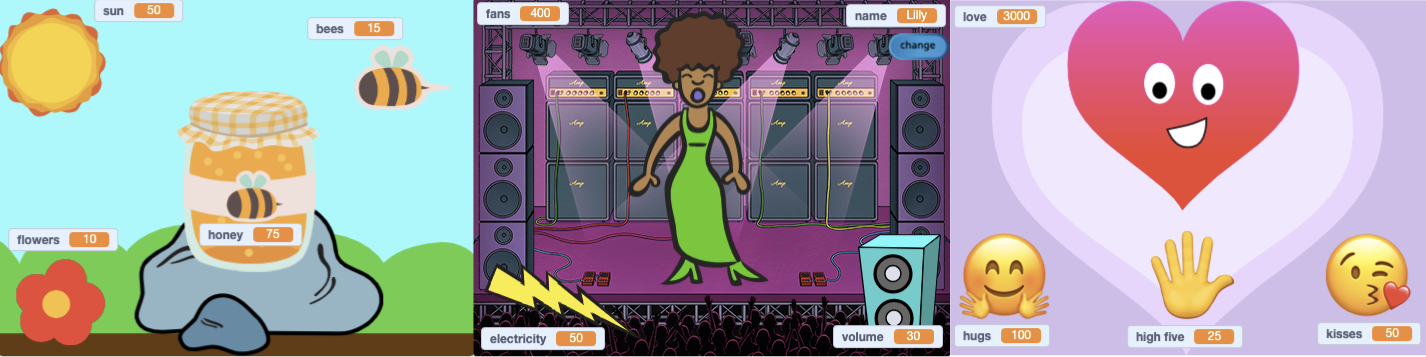
- Create one variable and allow the user to control it. Add animations, costumes, sound, effects, and conversation to make the sprite really come to life
- Create multiple variables with simple ways for the user to control them, and then add more effects later
Adding a sprite and then creating a variable is a great start.
You have built up some really useful skills. Here is a reminder to help you make your project:
Using variables
set [my variable v] to (0)
Checking conditions
if <(my variable) = (0)> then
Broadcasting and receiving messages
broadcast (message1 v)
Working with text:
say (join[Hello ](name)) for (2) seconds
Backdrops, movement, and graphic effects
set [ghost v] effect to (0)
Sound:
start sound (Pop v)
Paint editor — backdrops and costumes
Scratch editor
Test: Show someone else your project and get their feedback. Do you want to make any changes to your game?
Debug: You might find some bugs in your project that you need to fix. Here are some common bugs.
You might find a bug not listed here. Can you figure out how to fix it?
If you get stuck, try reading your code out loud or explaining the problem to a friend. You might spot the problem.
We love hearing about your bugs and how you fixed them. Use the feedback button at the bottom of this page if you found a different bug in your project.