JuaraKu
Step 2 of 7
29%
Your character
Use your design skills to add a character sprite and suitable backdrop.
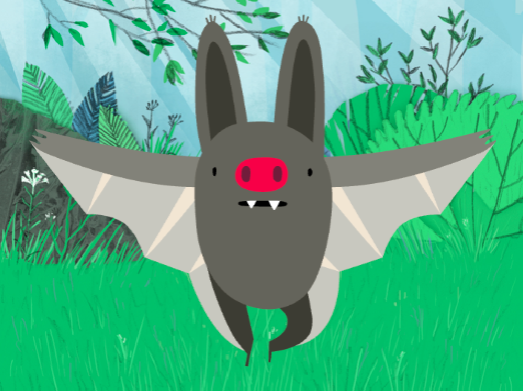
Design means deciding on the way that a project looks and making decisions about what it does.
Open the starter project
Open the Silly eyes starter project. Scratch will open in another browser tab.
⏱️ Not much time? You can start from one of the examples.
Choose your sprite and backdrop
Choose: Add a sprite and a backdrop for your silly eyes project.
- What does your character look like? A person 🧜🏽♀️, animal 🐶 or object 🧸.
- Where do you want your character to live? Somewhere sensible 🏠 or silly 🎪.

Tip: If you create your own sprite in the Paint editor, don't add eyes yet, because they need to be separate sprites.
Resize your sprite
In the Sprite pane, change the number in the Size property to a number that makes your character fill the Stage.
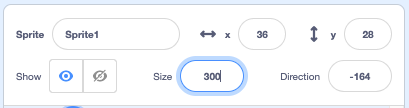
Look at the Stage. You will see your large character and chosen backdrop.