 JuaraKu
Step 2 of 7
29%
Create your scene
Have you got an idea about your animation?
Add a backdrop 🖼️, main character 🐙👩🦼🦖, and interesting object 🎂🎾🎁 of your choice to create the first part of your animation.
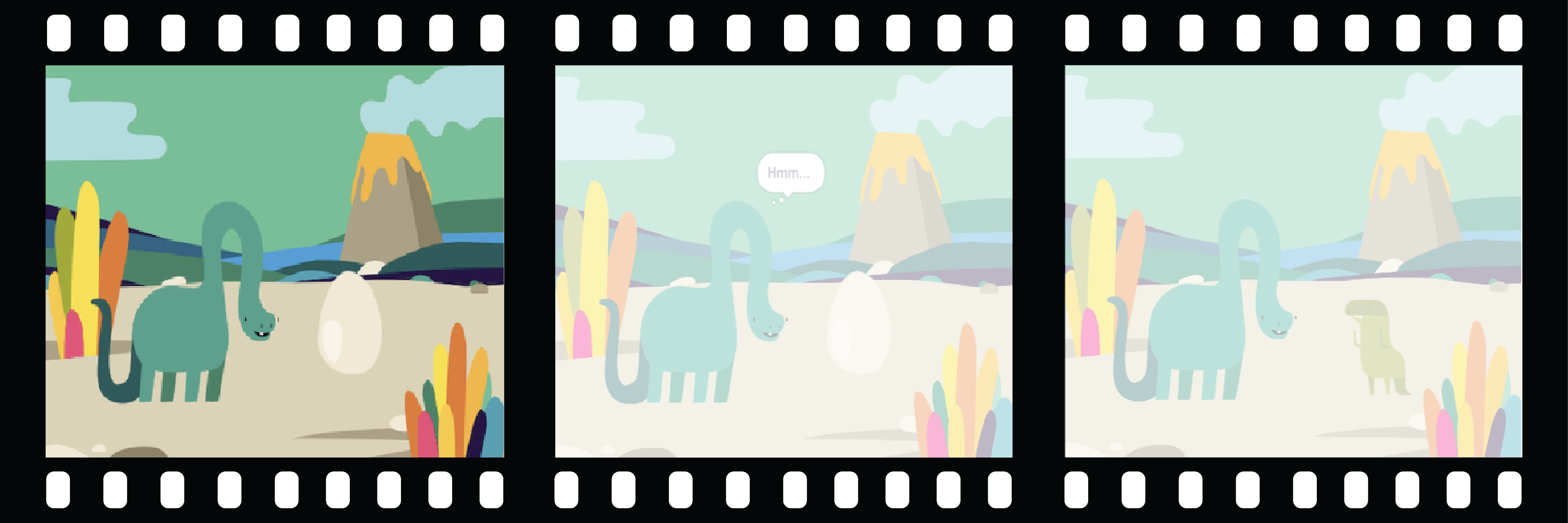
Animation creates the effect of movement by changing pictures quickly. The first animators carved pictures out of wooden blocks and used them as stamps. It is much faster to use Scratch to code your animation!
Open the starter project
Open the Surprise! animation starter project.
⏱️ Not much time? You can start from one of the examples.
There are people called narrative designers who do storytelling for apps and video games. Digital storytelling allows everyone to share their stories and creative imaginings with other people.
Design your scene
Choose: a theme for your animation. You could choose:
- 🐯 Land Animals
- 🐠 Sea animals
- 👽 Aliens
- 🌿 Nature
- 🌈 Weather
- 🌮 Food
- 🚀 Travel
- ⚾ Sport .... Or something else
Choose: Choose a sprite to be the 🐙👩🦼🦖 main character, another sprite to be the 🎂🎾🎁 interesting object and a 🖼️ backdrop to set the scene.

Prepare your sprites
Where do you want your sprites to start? How big do you want them to be? How do you want them to look?
Add a when green flag clicked block, then, underneath, add blocks to set up your sprites at the start of your animation.
Tip: Remember to set up both your 🐙👩🦼🦖 main character and your 🎂🎾🎁 interesting object sprites.
Save your project.