 JuaraKu
Step 3 of 7
43%
Show curiosity
Will the object do something to attract attention? How will the character react? You decide! Create the second part of your animation.
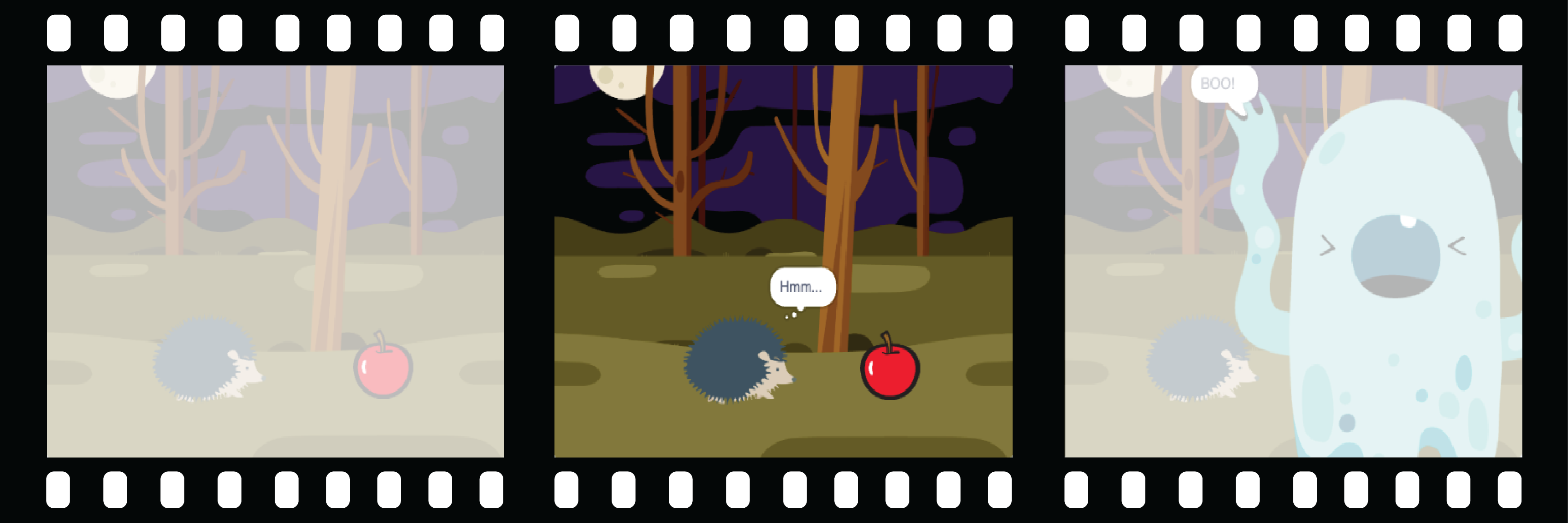
Decomposition is breaking a project down into parts that are smaller and easier to understand. This means that you can build a project one part at a time until you have completed it. In this step you will focus only on the curiosity part of your animation.
The object
Choose: If you want the 🎂🎾🎁 interesting object to do something to attract attention, choose what the object will do.

Add blocks to the end of the 🎂🎾🎁 interesting object's when green flag clicked setup script.
The character
Get the 🐙👩🦼🦖 main character to show interest in the object. Add blocks to the end of the 🐙👩🦼🦖 main character's setup script.
If you need the 🐙👩🦼🦖 main character to wait until the 🎂🎾🎁 interesting object has done something, add a wait block.
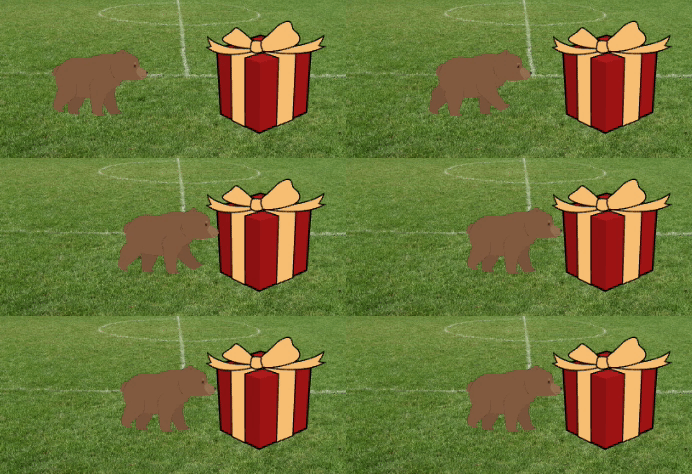
You could use say or think blocks, or even use the Text to Speech extension to make the character talk out loud!
The character could emote, like in the Space talk project.
The character could be brave and move closer to check out the object.
Test: Click on the green flag to test your project. The 🐙👩🦼🦖 main character should show curiosity about the object.
Click on the green flag again. If you changed the 🎂🎾🎁 interesting object or 🐙👩🦼🦖 main character sprite's position or looks, you will need to make sure that they are set back to their starting position or looks when you run the project again.
Debug: