 JuaraKu
Step 4 of 7
57%
Add a surprise!
Now, you need to add a surprise. What could happen to the object?
- Will it turn into another object?
- Will it turn into a character?
- Will it disappear and reveal another sprite?
You decide! Create the third part of your animation.
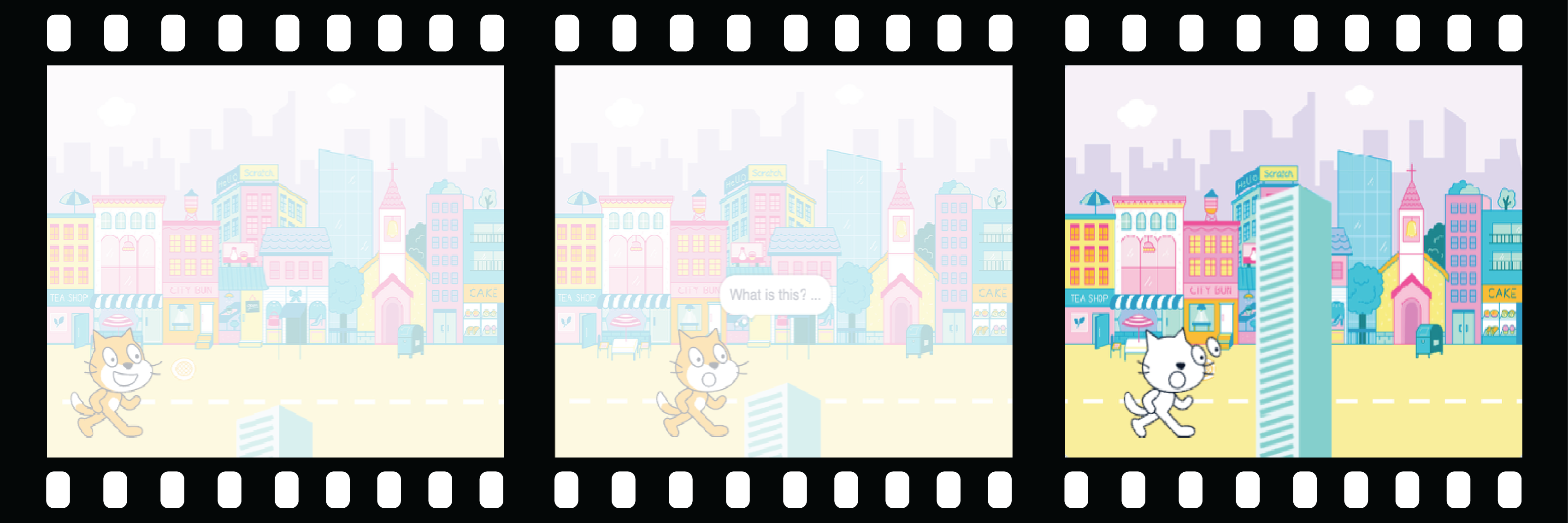
Have you written a story with a plot twist or a surprise? Have you watched a show or read a book with an unpredictable ending? You can use the same methods when you create a digital story or animation.
When will the surprise happen?
Select the 🎂🎾🎁 interesting object sprite. Add a script to make the surprise start when you want it to.
You will need to choose a time delay that works for your project. If you have a character that spends a long time being curious, you will need to choose a longer delay.
when flag clicked
wait (5) seconds // change the number to create your time delay
Now, create the surprise!
The object could play a sound, switch costume, change graphic effects, or change size.
You could add a surprising costume to the sprite, then the sprite could switch costume to reveal it.
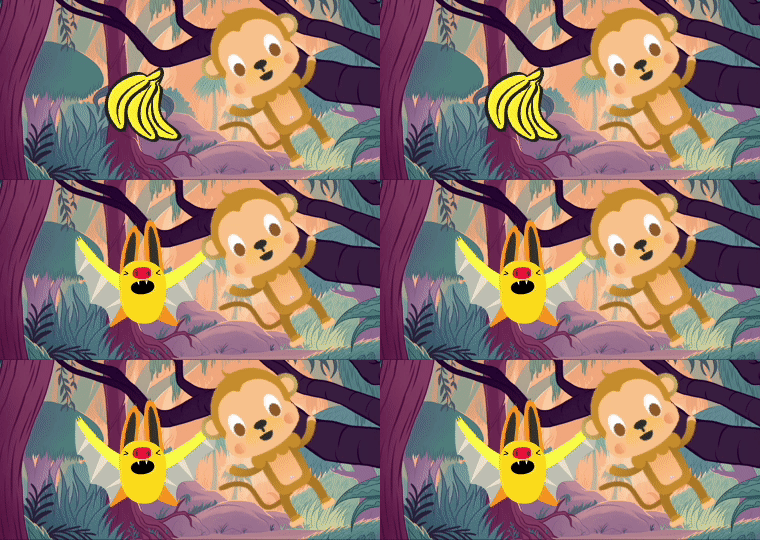
You could make the sprite seem to turn into a different sprite — to do this, hide the 🎂🎾🎁 interesting object sprite at the same time as you show another sprite.
Test: Click on the green flag. Does the surprise happen at the right time? Does the animation reset properly?
Debug:
If you need a sprite to be in front of or behind another sprite, you can use layers:
If the surprise happens at the wrong time, you can fix that: