 JuaraKu
Step 4 of 8
50%
The grow spell
You also need a grow spell to return the Fairy sprite to normal size or to make a massive fairy!

Tip: In this step, you will add code to three different sprites. Make sure you select the correct sprite from the Sprite list below the Stage and click on the Code tab.
Add a script to the grow button sprite to broadcast a grow message:

when this sprite clicked
broadcast (grow v)
Add a script to get the Fairy sprite to grow:

when I receive [grow v]
change size by [10] // positive numbers increase the size
You can reverse the 'shrink' sound to make a 'grow' sound!
Select the Wand sprite.

Click on the Sounds tab.
Right-click (or tap and hold) the shrink sound and choose duplicate.
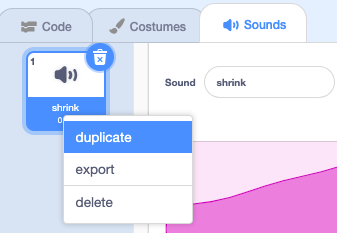
Name the copy grow.
Click on the Reverse icon to make the sound play backwards.
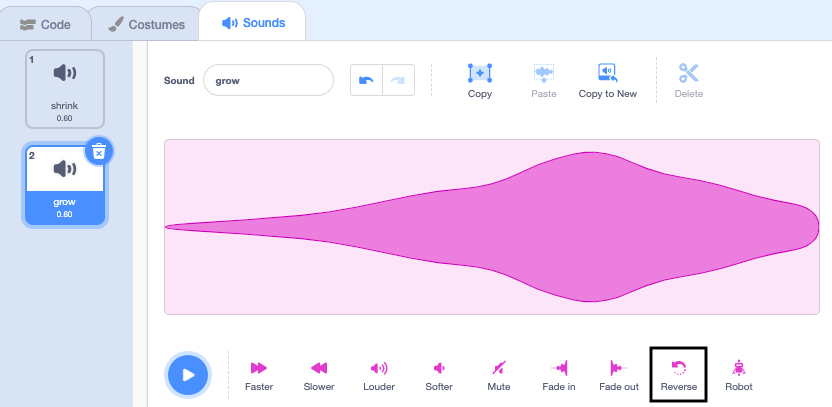
Add a script to the Wand sprite to play the grow sound when the grow message is received:
when I receive [grow v]
play sound [grow v] until done
Test: Click on the shrink and grow spell buttons to cast the spells as many times as you like.