 JuaraKu
Step 5 of 8
63%
Toad transformation
Add a script to the toad button sprite to broadcast the 'toad' message:

when this sprite clicked
broadcast [toad v]
Select the Fairy sprite and click on the Costumes tab.

To transform the Fairy sprite into a toad you will use the Fairy-a and Fairy-toad-a costumes.
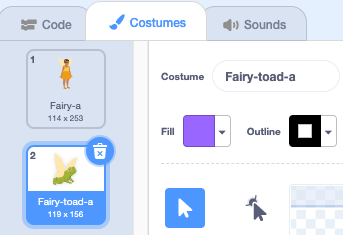
Click on the Code tab and add a switch costume to block to the end of your existing when flag clicked script so the Fairy is in human form when you run your project:
when flag clicked
set size to [100] %
+ switch costume to [Fairy-a v]
Add a new script to the Fairy sprite to turn into a toad:
when I receive [toad v]
switch costume to [Fairy-toad-a v]
Select the Wand sprite.

Add the Croak sound to the Wand sprite.
Rename the sound to toad:
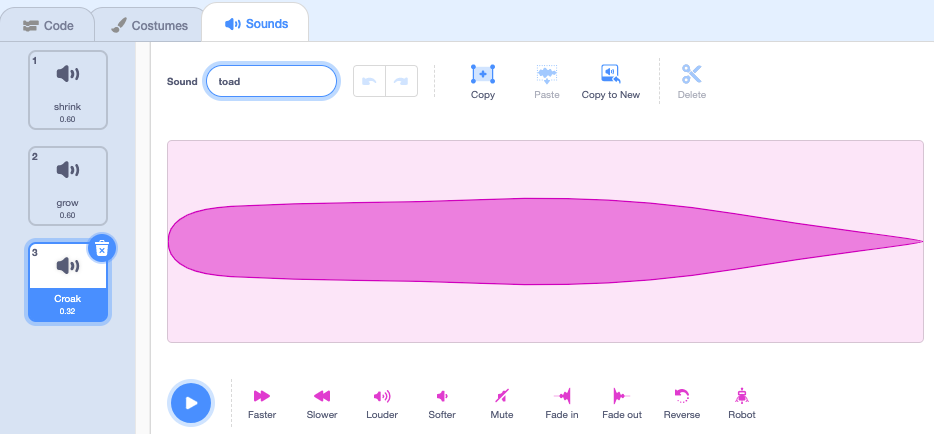
Add a script to the Wand sprite to play the toad sound when the toad spell is cast:
when I receive [toad v]
play sound [toad v] until done
Test: Test that you can turn the Fairy into a toad, with a sound effect, when you click the toad button. Click on the green flag again to turn the Fairy sprite back into a human.
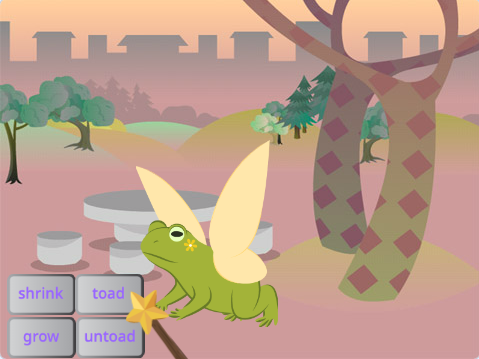
The opposite of a 'toad' spell is an 'untoad' spell.
Select the untoad button sprite.

Add a script to broadcast the 'untoad'{:class="block3events"} message:
when this sprite clicked
broadcast [untoad v]
Add a new script to untoad the Fairy sprite:
when I receive [untoad v]
switch costume to [Fairy-a v]
Select the Wand sprite
Switch to the Sounds tab and duplicate the toad sound.
Rename it to untoad.
Click on the Reverse icon so that the untoad sound plays backwards.
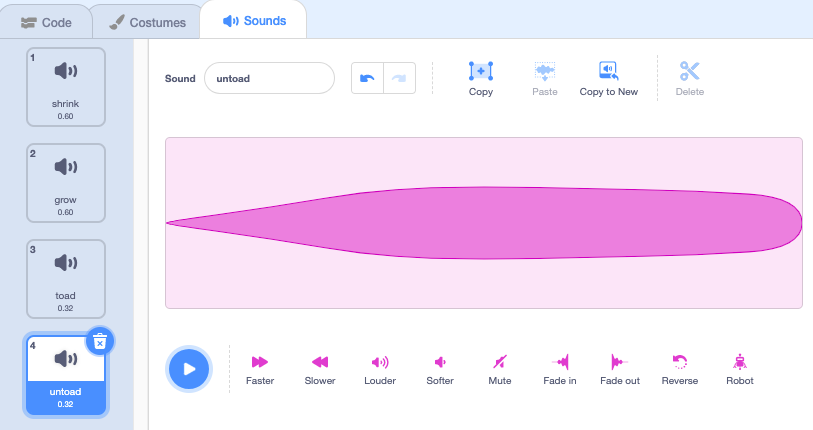
Add a script to the Wand sprite to play the untoad sound:
when I receive [untoad v]
play sound [untoad v] until done
Test: Try the toad and untoad spells, and try shrink and grow when the Fairy is in toad form.