 JuaraKu
Step 4 of 9
44%
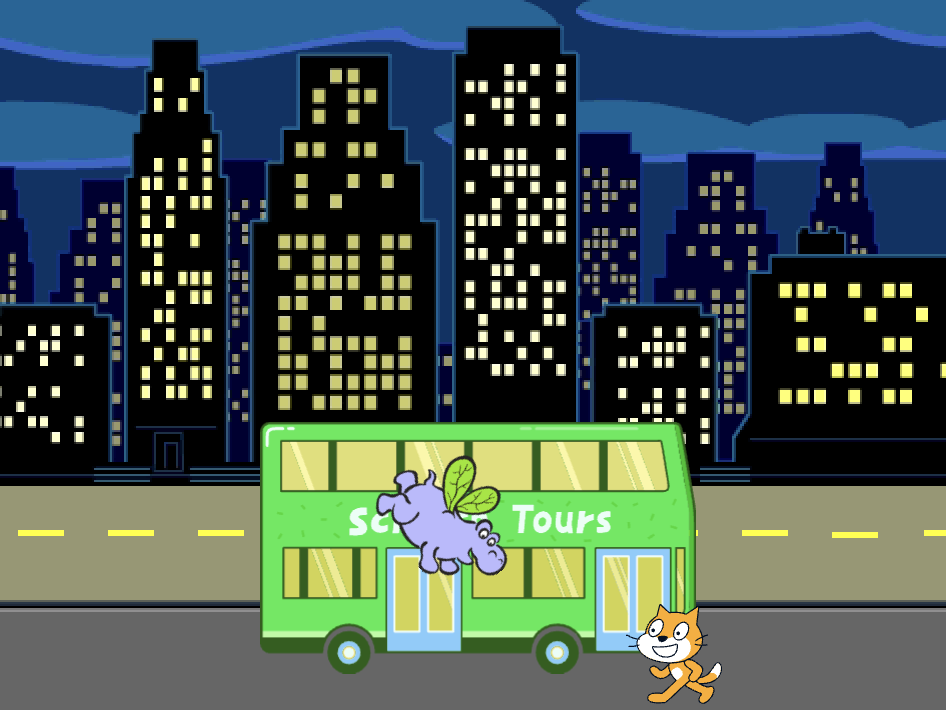
The hippo flies to the bus
Add a hippo sprite that flies to the bus.
Give the Hippo a starting position
Add the Hippo1 sprite to your project.
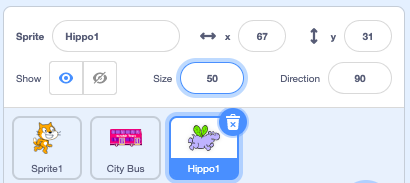
Change the Size of the Hippo1 sprite:
Drag the hippo to the top left-hand side of the Stage.
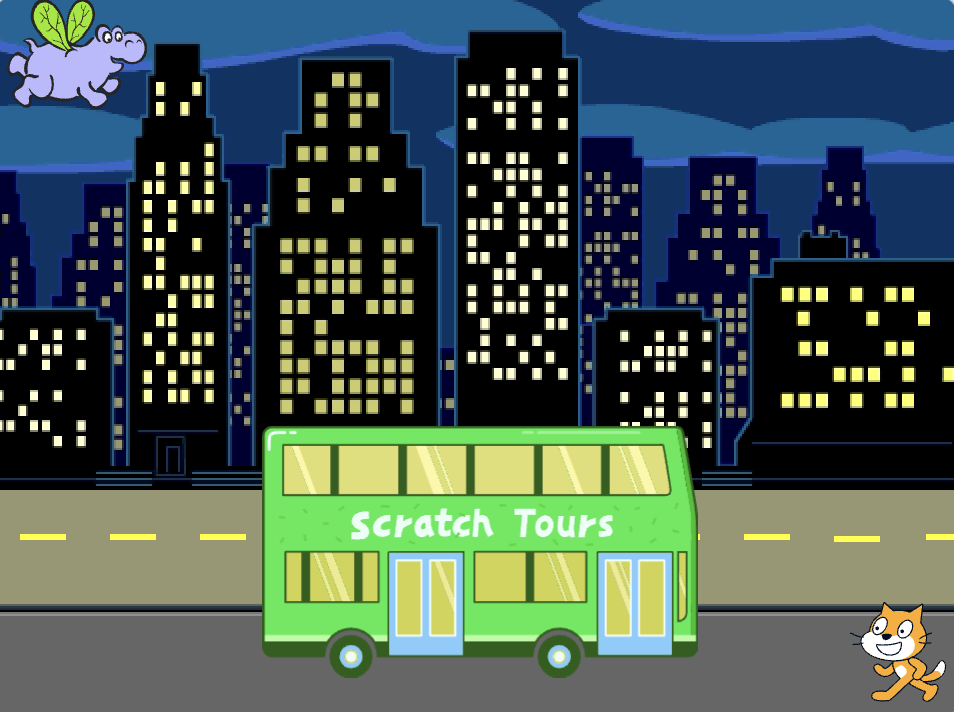
Add code to get the hippo to their starting position:
when flag clicked
go to x: [-200] y: [150] // top left-hand side
Tip: The x and y coordinates in the go to x: y: block will be the current position of the hippo, so you do not need to type them in.
Make the Hippo flap its wings and fly
Add code to make the hippo fly towards the City Bus:
when flag clicked
go to x: [-200] y: [150]
+repeat [100]
point towards (City Bus v) // change from mouse-pointer
move [3] steps
next costume
+end
Test: Click on the green flag and check that the hippo flies to the bus. You can change the number in the repeat block to get the hippo to stop in just the right place.
Show and hide the hippo
Add show and hide blocks:
when flag clicked
go to x: [-200] y: [150]
+ show
repeat [90]
point towards (City Bus v)
move [3] steps
next costume
end
+ hide
Test: Click on the green flag. The hippo will fly and enter the bus.