 JuaraKu
Step 6 of 9
67%
Missing the bus
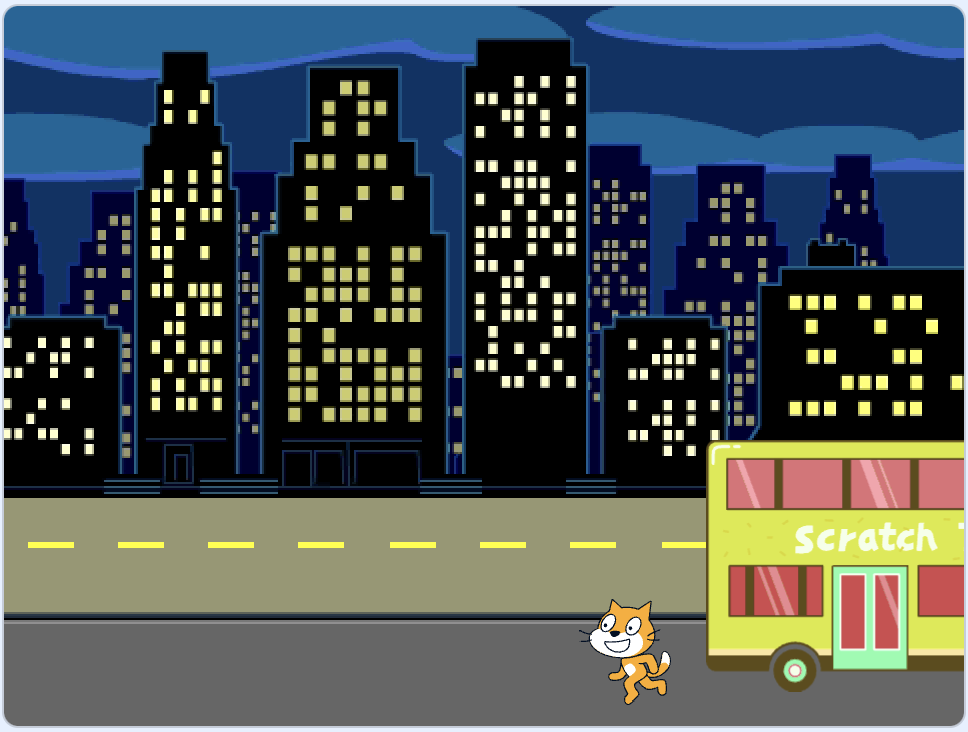
Make Scratch Cat miss the bus
Select the Scratch Cat sprite and add a wait block:

when flag clicked
go to x:(200) y:(-150)
show
repeat (20) // try different numbers
move (5) steps
next costume
+ wait (1) seconds
end
hide
Test: Click on the green flag. The Scratch Cat will walk too slowly and miss the bus!
Make Scratch Cat catch the Bus
You will want delays of less than one second. 0.5 is half a second, 0.25 is a quarter of a second, and 0.1 is a tenth of a second.
Change the delay in the wait block:
wait (0.2) seconds // try 0.1, 0.5, 0.05
Test: Click on the green flag, and the Scratch Cat will walk faster. Choose the delay that you like the most.
Choose if Scratch Cat catches or misses the bus
If you want the Scratch Cat to miss the bus, remove the hide block from your code so that the Scratch Cat stays on the Stage:
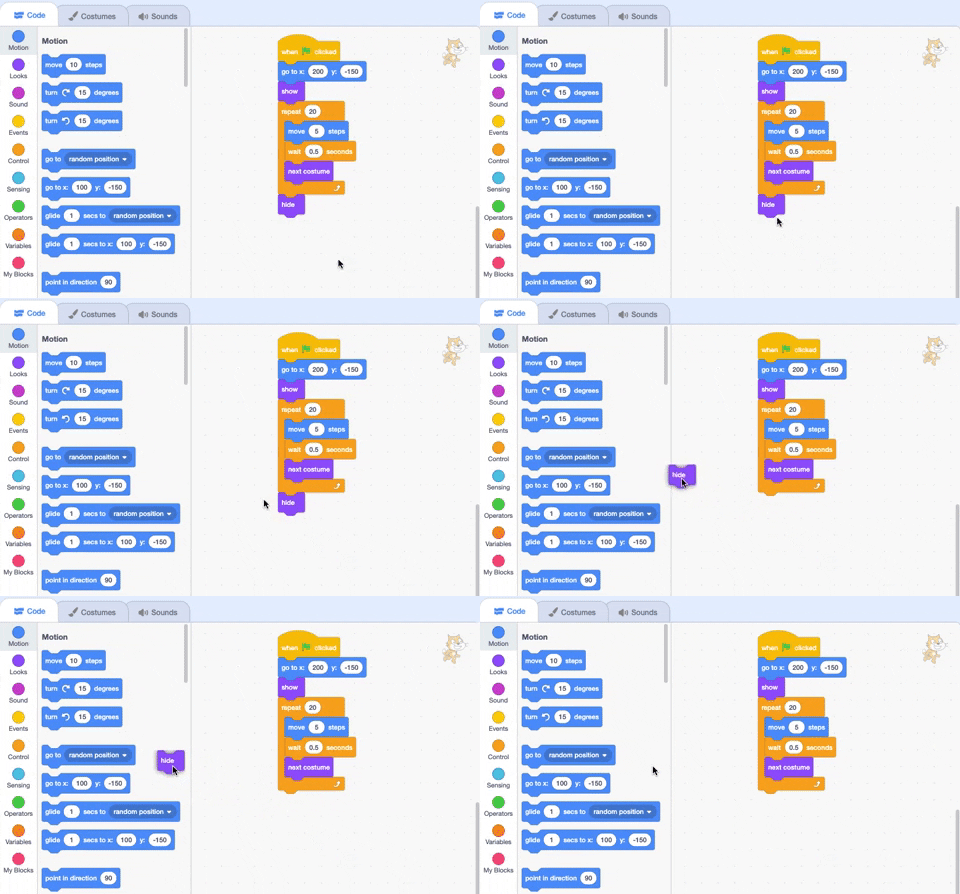
when flag clicked
go to x:(200) y:(-150)
show
repeat (20)
move (5) steps
next costume
wait (0.5) seconds
end
-hide
If you want the Scratch Cat to catch the bus, make the bus wait longer before it leaves:

when flag clicked
+wait [4] seconds // change from 4 to 6
glide [2] secs to x: [320] y: [-100] // right-hand side of the Stage
hide
You will need to put the hide block back in the Scratch Cat sprite's code if you have removed it and want the Scratch Cat to successfully catch the bus.
Make changes until you get the animation to work the way that you want it to.
When working on a project, you often go back and change or improve your code as you get new ideas.