 JuaraKu
Step 5 of 9
56%
The bus leaves
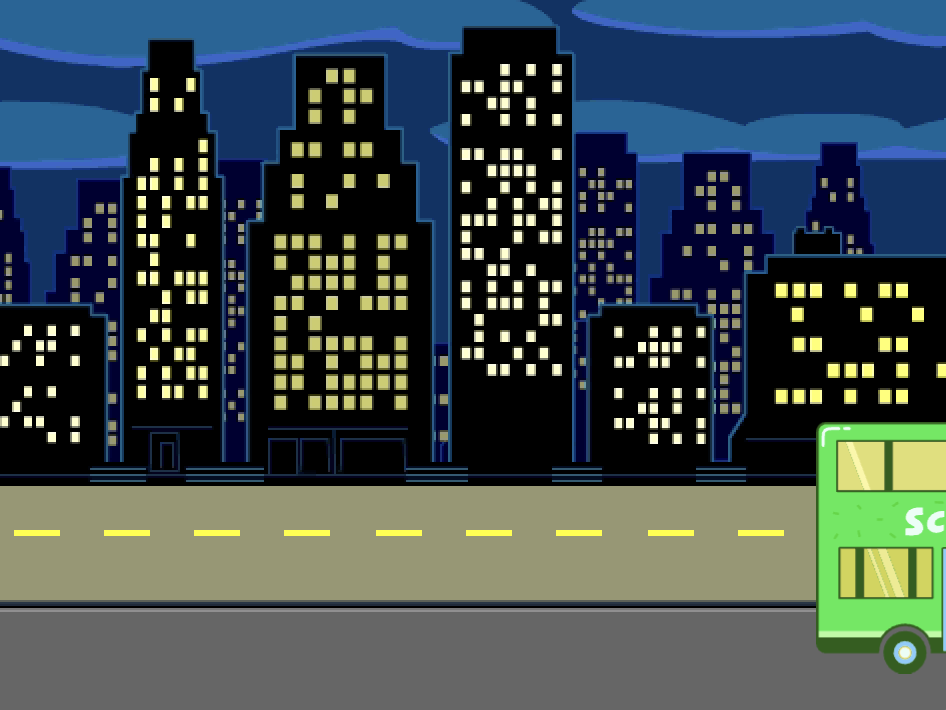
Animate the Bus
Select the City Bus sprite.

Add code to make the bus drive off to the right four seconds after the green flag is clicked.
when flag clicked
wait [4] seconds // change 1 to 4
Drag your bus to the right-hand side of the Stage. This is the x and y position that the bus will glide to.
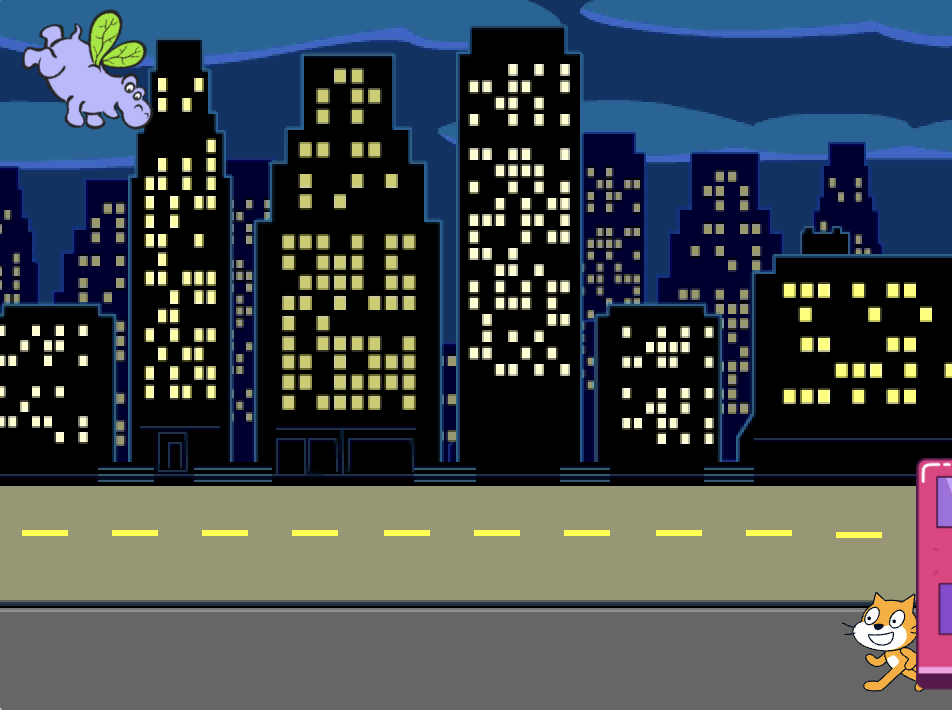
Tip: If you move the bus too far to the right, it will jump back. Try again, but don't move it so far.
Add a glide 2 secs to x: y: block under the wait block.
The x and y coordinates in your project might be a bit different and will be the exact position that you dragged the bus to.
when flag clicked
wait [4] seconds // change 1 to 4
+glide [2] secs to x: [320] y: [-100] // right-hand side of the Stage
Test: Click on the green flag. The Scratch Cat and hippo will move to the bus, and the bus will drive off to the right after four seconds.
Hide and show the Bus
Add a hide block to make the bus seem to drive off the Stage:
when flag clicked
wait [4] seconds // change 1 to 4
glide [2] secs to x: [320] y: [-100]
+ hide
Test: Click on the green flag. The bus will now hide after driving off. Do you remember how to make sure that a sprite reappears when you click on the green flag?
Add a show block to your when green flag clicked script to make the bus appear when you run your project:
when flag clicked
go to x: (0) y: (-100)
go to [back v] layer
set [color v] effect to (85) // try numbers up to 200
+show
Test: Click on the green flag and watch your animation. The bus should appear in the centre of the Stage and then drive off to the right and disappear.
Is everyone on the bus when it leaves? You can change the amount of time that the bus waits, if you need to.