 JuaraKu
Step 5 of 9
56%
Second level
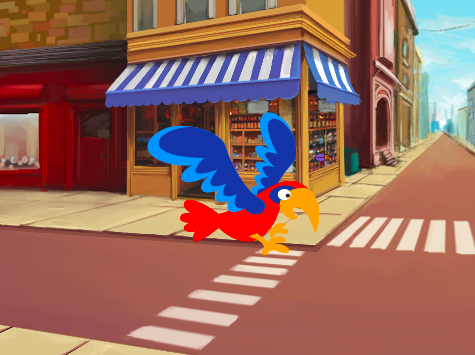
Add another backdrop
Choose: Choose a backdrop for your second level. We have chosen the Urban backdrop, but you can choose the one that you like the most.
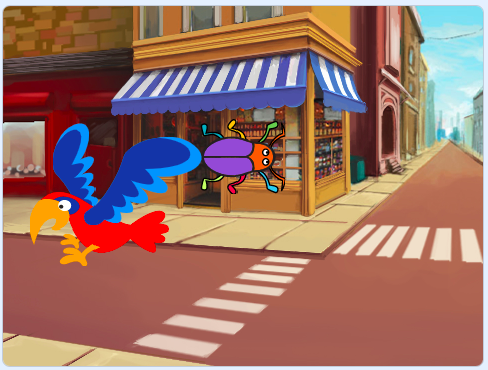
Tip: Remember that backdrops with lots of colours and details will make the bug harder to find. How difficult will you make your game?
Stop the code from running
Drag the blocks away from the when this sprite clicked block to stop them from running when you click on the bug:
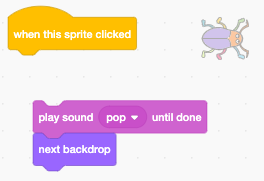
Resize the bug
Add code to set the size of the bug for the second level:

when backdrop switches to [Urban v] // choose your backdrop
set size to [20] % // try another size
Test: Click on your new script to run it.
Hide your bug
Drag your bug on the Stage to a good hiding place for this level.
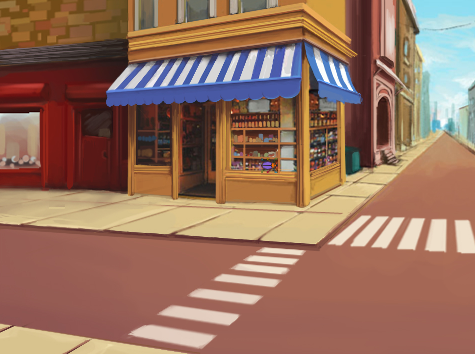
Position your bug in its hiding place.
Add a go to x: y: block to your code:
when backdrop switches to [Urban v]
set size to [20] % // try another size
+ go to x: [24] y: [13] // in the shop window
Test your code
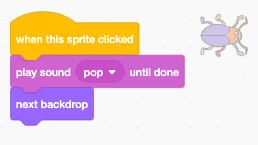
Join the blocks back to the when this sprite clicked block so that when the bug is clicked, the backdrop switches to the next backdrop:
Test: Click on the green flag to test your project.
Your bug may now be in front of the parrot.
Add a script to make sure that your bug is always at the back:
when flag clicked
forever
go to [back v] layer
Now, your bug will always stay at the back, even if you need to change its position.