 JuaraKu
Step 6 of 9
67%
End screen
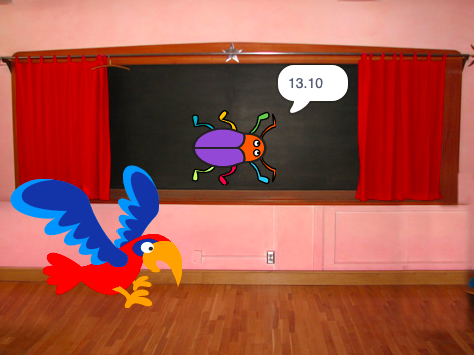
Sometimes, just beating a game isn't enough. Players like to know how they did against other players or themselves. Can you think of a game that shows you how well you did?
Add another backdrop
Add the Chalkboard backdrop from the Indoors category.
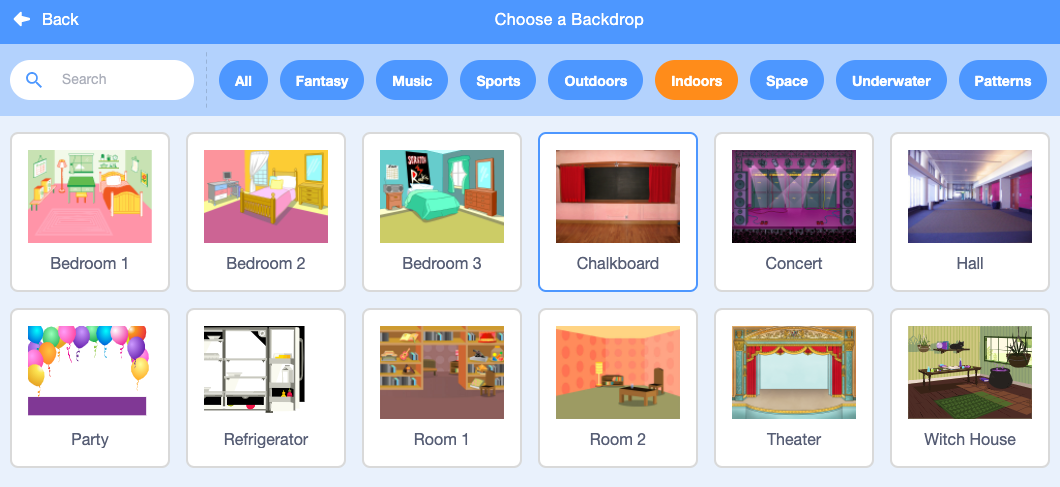
Tip: In Scratch, you can add the same backdrop more than once.
Edit the backdrop
Click on the Backdrops tab to open the Paint editor.
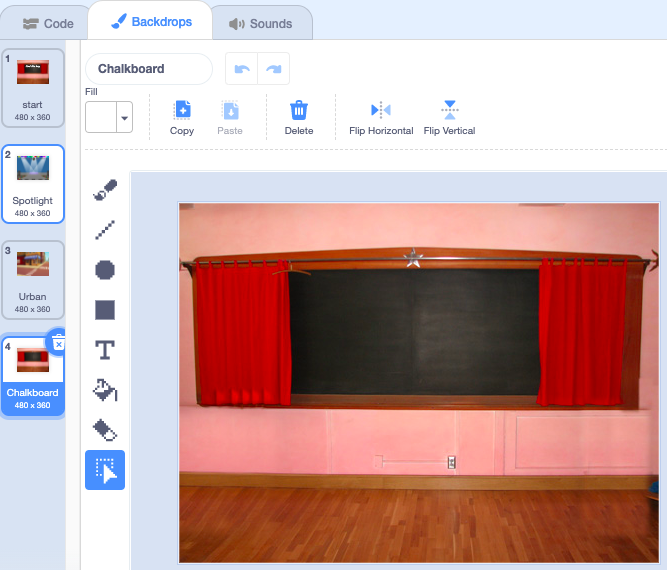
Change the name of the backdrop to end:
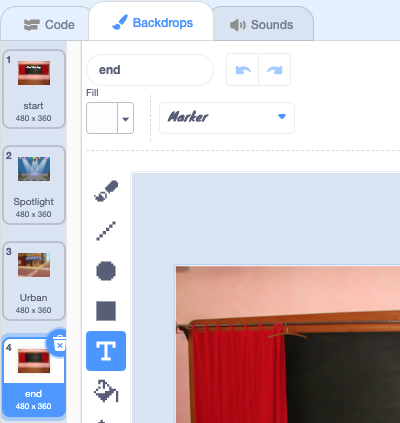
Tip: You rename the backdrop to end to make it easier to understand your code.
Position the bug
Click on the bug sprite and add code to position the bug on the 'end' screen:

when backdrop switches to [end v]
set size to [100] % // full-sized
go to x: [0] y: [30] // on the board
Add a timer
How long does it take you to find and click on the bugs? Scratch has a timer that you can use to find out.
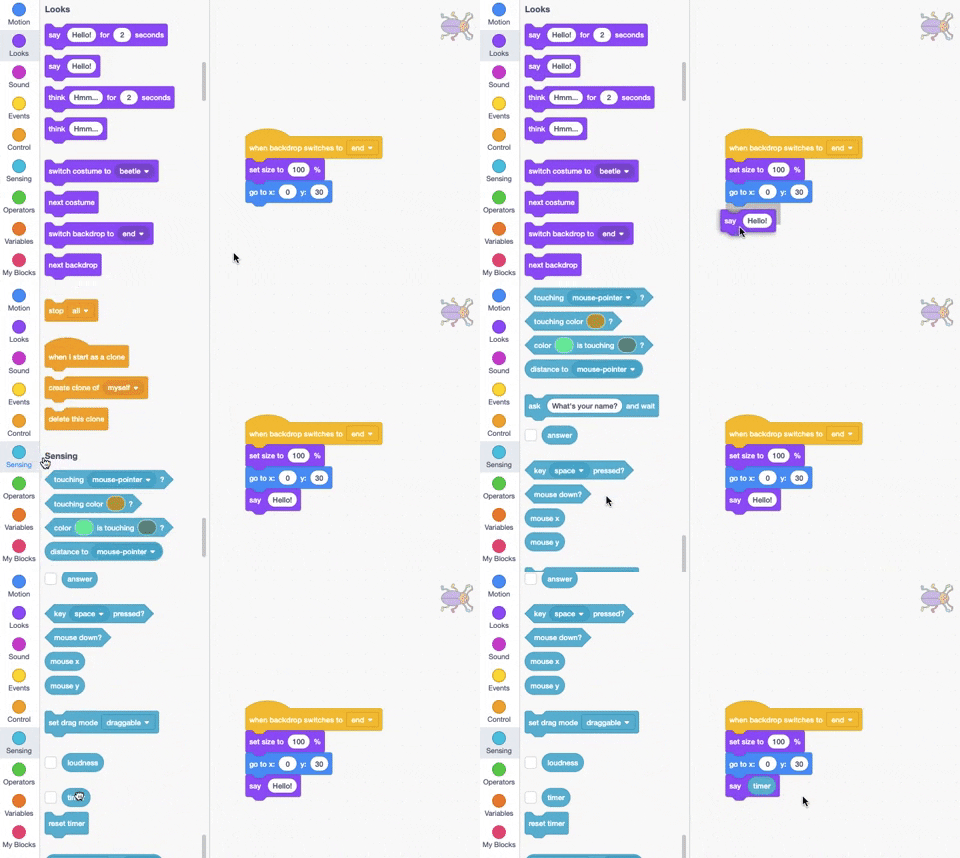
The timer block is in the Sensing blocks menu. Add code to make the bug say the timer on the 'end' screen:
when backdrop switches to [end v]
set size to [100] % // full-sized
go to x: [0] y: [30] // on the board
+say (timer) // seconds taken
Test: Click on the green flag to test your finding skills. How long does it take you to find the bug?
To go back to the 'start' screen, click on the bug on the 'end' screen.
Add code to make the bug stop saying the timer when you go to the 'start' screen:
when backdrop switches to [start v]
set size to [100] % // full-sized
go to x: [0] y: [30] // on the board
+say [] // say nothing
Stop the timer
If you play the game a second time, the timer will keep counting.
Add code to reset the timer when the backdrop switches to the first level:
when backdrop switches to [Spotlight v] // first level
set size to [20] % // tiny
go to x: [13] y: [132] // on the disco ball
+reset timer // start the timer
Test: Click on the green flag and play the game. The timer should reset when you click on the bug on the 'start' screen to move to the first level. When you click on the bug on the 'end' screen, you should return to the 'start' screen and see that the bug is not saying the timer.