 JuaraKu
Step 9 of 9
100%
Upgrade your project
Add the terra sprite and use any of the blocks that you have learned about to make an 'emote' for the terra sprite.
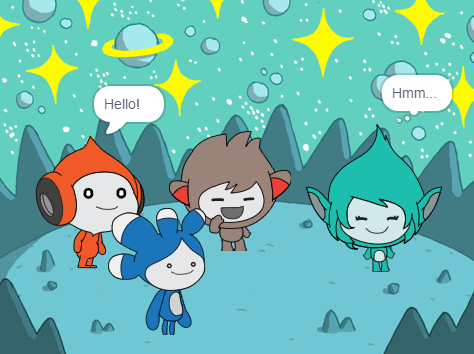
You could also use the Text to Speech extension to make Tera speak out loud:
The Tera sprite's personality is your choice, so have fun using your own creative ideas.
when this sprite clicked

say [Hello!] for [2] seconds

say [Hello!]

say [] // hide speech bubble

think [Hmm...] for [2] seconds

switch costume to [tera-d v]

wait (1) seconds // 0.5 is half a second

set [color v] effect to [0] // number up to 200

clear graphic effects

play sound [pop v] until done

start sound [pop v]

speak [hello]
You can also 'remix' the project to make any changes you like. You could change the backdrop, and how the sprites emote, and even choose different sprites and give them emotes.
Tip: Click on a sprite in the Sprite list below the Stage to change the code, costumes, and sound for that sprite.